Reverse a Chart

Written by

Reviewed by
Last updated on December 12, 2023
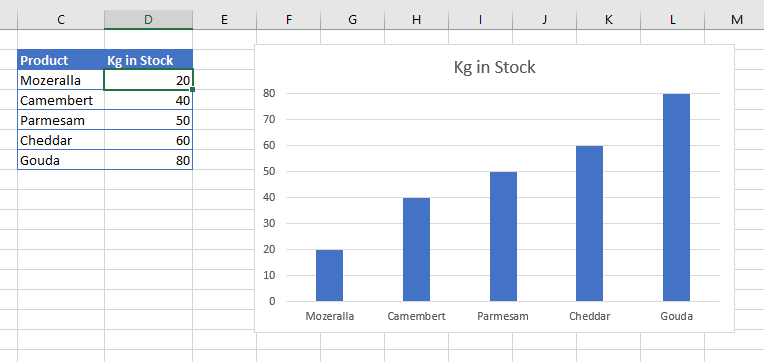
This article will demonstrate how to reverse the Axis of your chart in Excel.
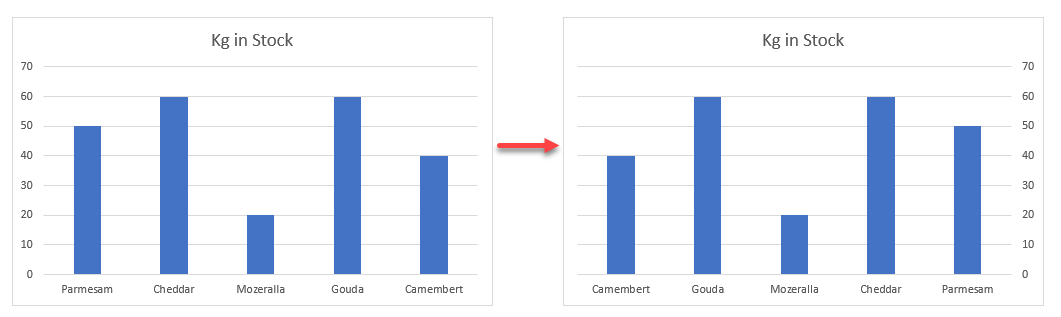
If you want to reverse the Axis of your chart in Excel, there are a few ways to do this.
Format Axis
- First, select the Y-axis of your chart
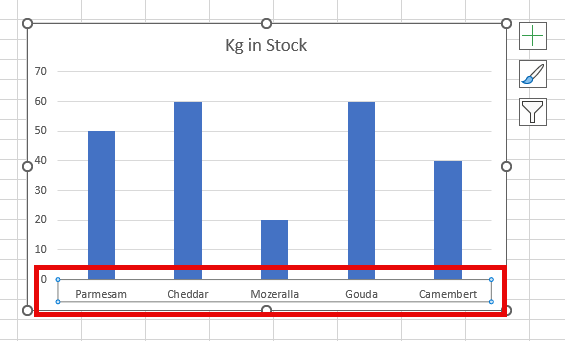
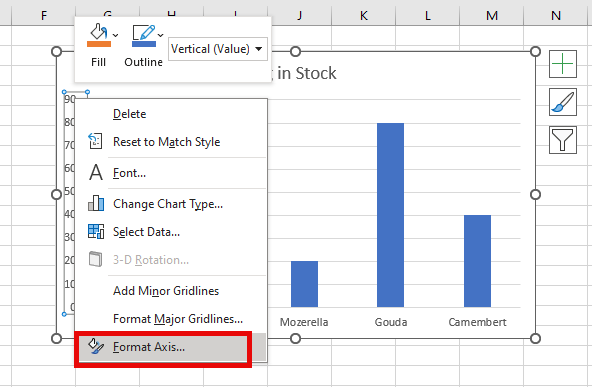
- Then right-click and select Format Axis
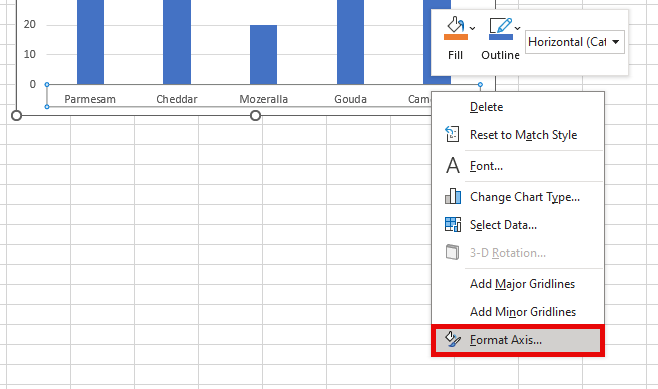
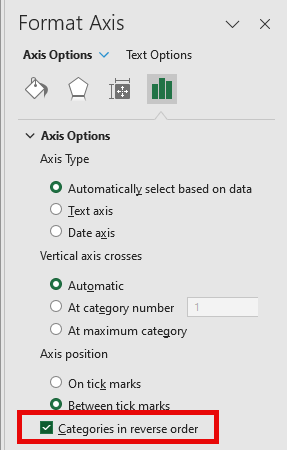
- Then, in the pane that appears on the right hand side of your screen, select Categories in reverse order.
- You can also reverse the Y-axis. Select the axis, right click and then select format axis.
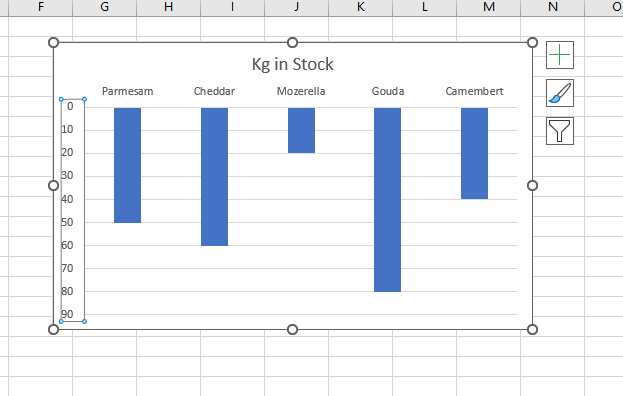
- The values in the y-axis will be reversed, effectivly turning your chart upside down!
Sorting Data
If you have arranged your data in a certain order, you can reverse that order by sorting the data. Say for example, you have a chart similar to the one shown below:
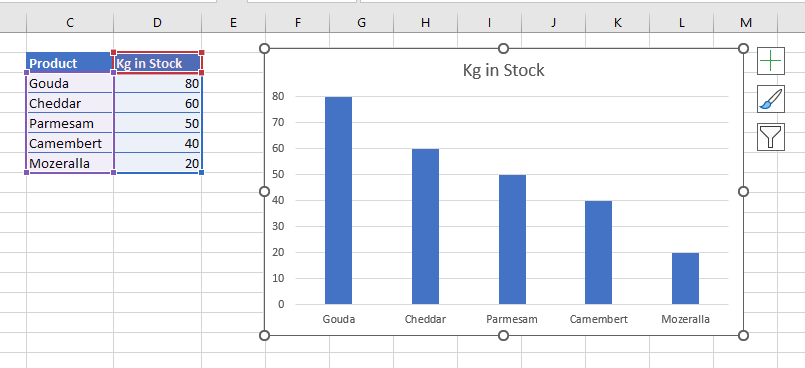
- CLick in the data attached to the chart, and then, in the Ribbon, select Home > Sort & Filter > Sort Smallest to Largest.
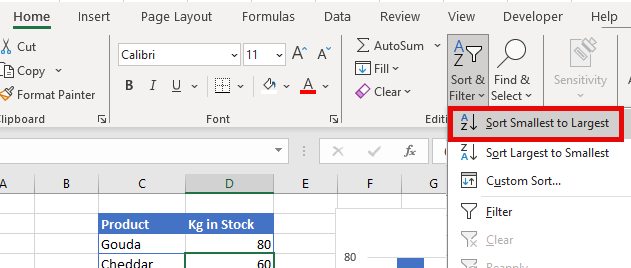
- The data in your chart will automatically reverse itself by reversing the x-axis!