


VBA Used Range – Count Number of Used Rows or Columns

Written by

Reviewed by
In this Article
UsedRange – Find Last Used Cell, Column or Row
The following code will return a message box indicating the total number of rows used in a worksheet. Empty rows are considered used if data follows the empty row.
MsgBox ActiveSheet.UsedRange.Rows.CountDo you have to run a loop down a sheet but don’t know where the data stops? ActiveSheet.UsedRange.Rows.Count might help.
Put this in a module:
Sub LastRow()

Dim LastRow As Integer

LastRow = ActiveSheet.UsedRange.Rows.Count

MsgBox LastRow

End Sub
Sub LastCol()
Dim LastCol As Integer
LastCol = ActiveSheet.UsedRange.Col.Count
MsgBox LastCol
End SubFind First Empty Cell
Using VBA you may need to write to the first empty cell, or after the last row used in a column. There is no need to loop to find this, the following code does it for you.
In this example the code will write “FirstEmpty” in the first empty cell in column “d”
Public Sub AfterLast()

ActiveSheet.Range("d" & ActiveSheet.Rows.Count).End(xlUp).Offset(1, 0).Value = "FirstEmpty"
End Sub
Count Used Columns In Worksheet
The following code will return in a message box the total number of columns used in a worksheet. Empty columns are considered used if data follows the empty column.
MsgBox ActiveSheet.UsedRange.Columns.CountLast Used Cell – Problems
When I need to For..Next..Loop through an entire column I usually use ActiveSheet.UsedRange.Rows.Count to find where to stop. I’ve always had good luck with this approach.
I am also aware that occasionally Excel thinks the last row exists somewhere, but the row is actually empty. I’ve seen this a few times after importing data. From BeyondTechnology:
The Worksheet object’s UsedRange does not always work because the used range (or “dirty area”) of a spreadsheet may be larger than the area actually populated with your records.
VBA Coding Made Easy
Stop searching for VBA code online. Learn more about AutoMacro - A VBA Code Builder that allows beginners to code procedures from scratch with minimal coding knowledge and with many time-saving features for all users!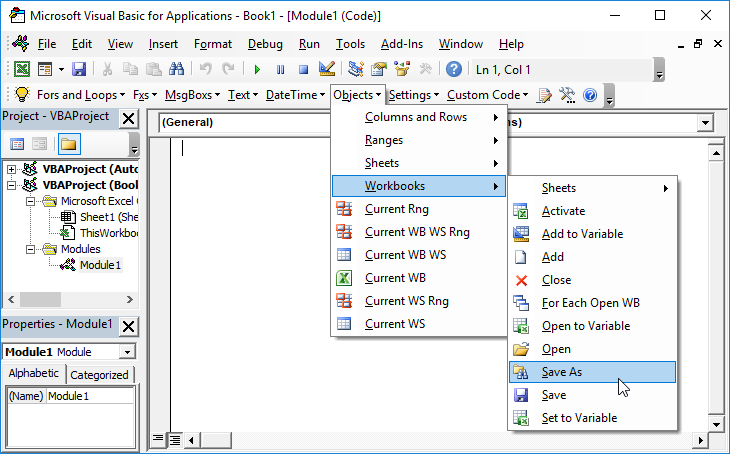
Learn More!


