


VBA – Select All Cells

Written by

Reviewed by
Last updated on September 21, 2021
In this Article
Select All Cells In Worksheet with .Cells
To select all the cells on a sheet using VBA you can use the .cells property of the worksheet, without specifying a specific cell.
An example of selecting all cells on Sheet1 using the code name Sheet1:
Sub MySelectAll()

     Sheet1.Activate

     Sheet1.Cells.Select

End Sub
An example of selecting all cells on Sheet1 using it’s tabname. You can replace “PlaceTabNameHere” with the name of your tab
Sub MySelectAll2()

     Sheets("PlaceTabNameHere").Activate

     Sheets("PlaceTabNameHere").Cells.Select

End Sub
VBA Coding Made Easy
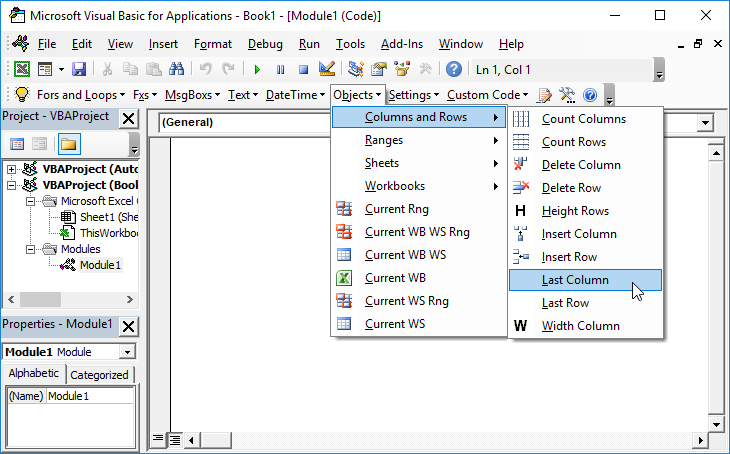
Stop searching for VBA code online. Learn more about AutoMacro – A VBA Code Builder that allows beginners to code procedures from scratch with minimal coding knowledge and with many time-saving features for all users!
Did you find this VBA tutorial useful? Then share it with your friends and colleagues using the share buttons at the side or the bottom.


