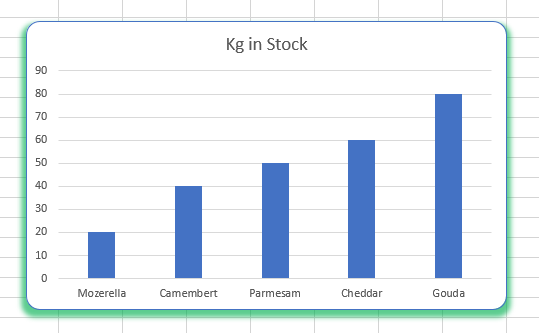
Rounded Corners and Shadow on Excel Charts

Written by

Reviewed by
Last updated on December 12, 2023
This article will demonstrate how to add rounded corners and shadows to your Excel chart.
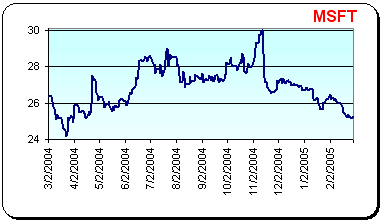
The graphics above shows an example of adding rounded corners and shadow to an Excel chart, with the past year stock close price of Microsoft:
Format Chart Area
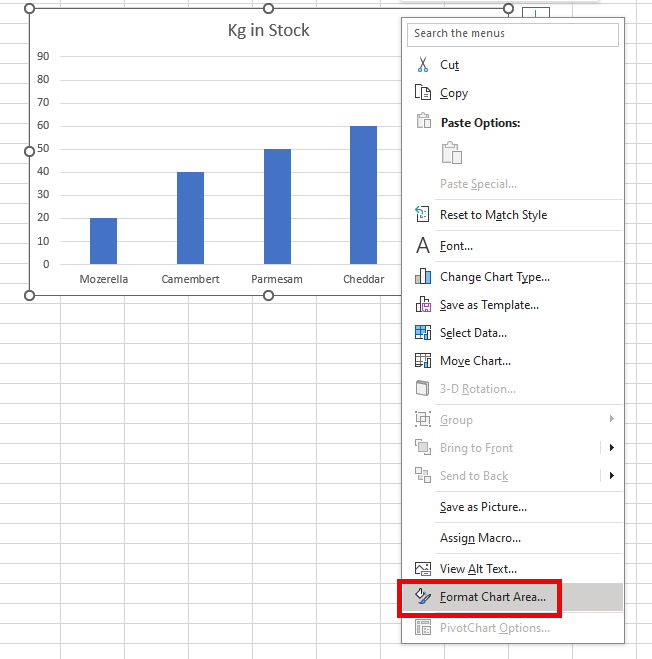
- Select your chart, and then right click on it to show the quick menu. Select Format Chart Area.
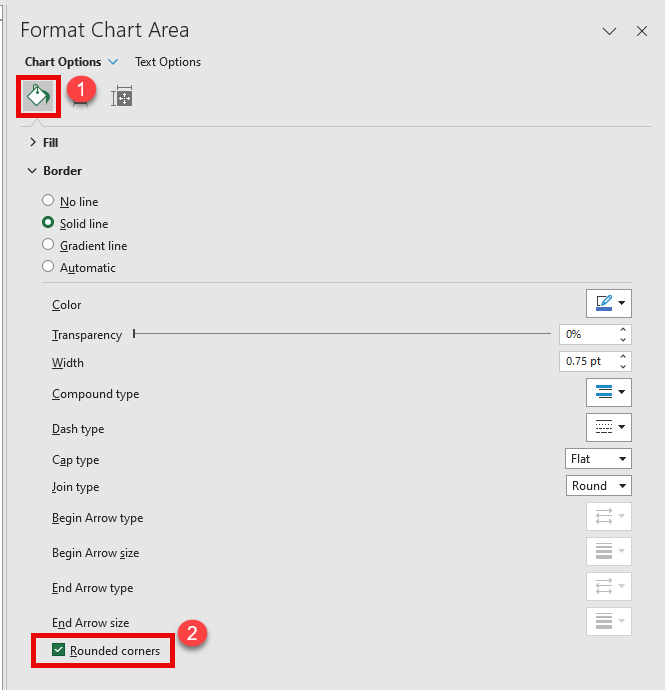
- To put rounded corners on your chart, (1) click on the fill button (this should be selected by default), and then (2) click Rounded corners.
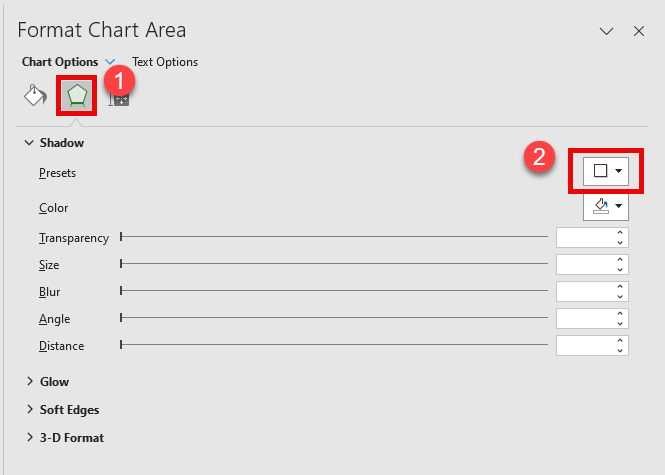
- To add a shadow to your chart, (1) click Effects and then for a preset shadow (2) click the dropdown arrow on the shadow box.
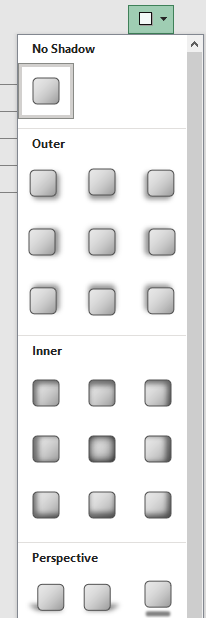
- Now select the type of pre-set shadow you would like to apply to your chart.
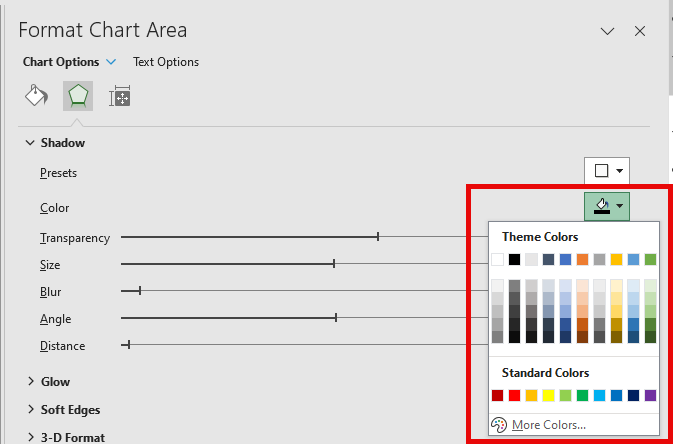
- Once you have set the shadow, you can amend the colour of the shadow by selecting a colour from the Fill dropdown box.
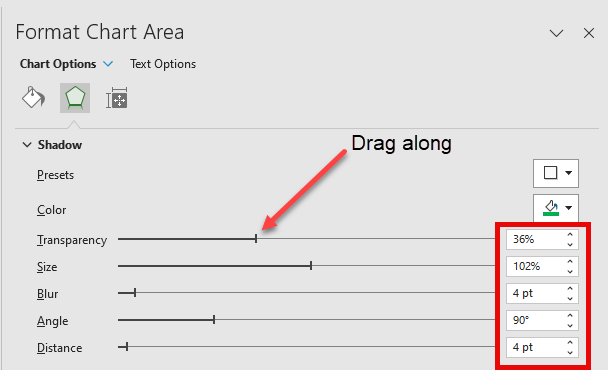
- You can also set your shadow manually by amending the Transparency, Size, Blur, Angle and Distance meters either by dragging your mouse along the meter, or by using the small up/down arrow toggle buttons against each option.
- Your chart will automatically update on your Excel screen as you make your changes.