


VBA – Turn off Screen Updating

Written by

Reviewed by
In this Article
As cool as it looks watching your VBA macro manipulate the screen, you can help your Macro run faster if you turn off (disable) ScreenUpdating.
Disable ScreenUpdating
1. To disable ScreenUpdating, At the beginning of your code put this line:
Application.ScreenUpdating = FalseEnable ScreenUpdating
2. To re-enable ScreenUpdating, At the end of your code put this line:
Application.ScreenUpdating = TrueVBA ScreenUpdating Example
Your procedure will then look like this:
Sub ScreenUpdating_Example()
    Application.ScreenUpdating = False

    'Do Something
    Range("a1").Copy Range("b1")
    Range("a2").Copy Range("b2")
    Range("a3").Copy Range("b3")


    Application.ScreenUpdating = True
End Sub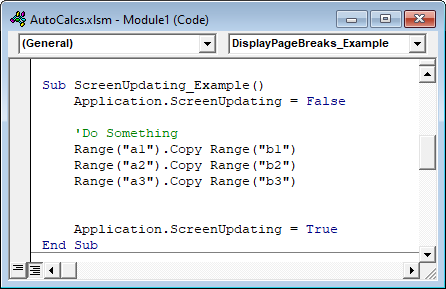
ScreenUpdating Refresh
Disabling ScreenUpdating will make your VBA code run MUCH faster, but it will also make your work appear more professional. End-users typically don’t want to see the behind the scenes actions of your procedures (especially when the procedure runs slow). Also, you may not want end-users to see the behind the scenes functionality (ex. Hidden Worksheets). I recommend disabling (and re-enabling) ScreenUpdating in virtually all of your procedures.
However, there are some times when you want the screen to refresh. To refresh the screen, you will need to temporarily turn back on ScreenUpdating (there is no screen “refresh” command):
    Application.ScreenUpdating = True
    'Do Something
    Application.ScreenUpdating = False
VBA Settings – Speed Up Code
There are several other settings to play with to improve your code speed.
Disabling Automatic Calculations can make a HUGE difference in speed:
Application.Calculation = xlManualDisabling the Status Bar will also make a small difference:
Application.DisplayStatusBar = FalseIf your workbook contains events you should usually disable events at the beginning of your procedure:
Application.EnableEvents = FalseLast, your VBA code can be slowed down when Excel tries to re-calculate page breaks (Note: not all procedures will be impacted). To disable displaying page breaks use this line of code:
ActiveSheet.DisplayPageBreaks = FalseVBA Coding Made Easy
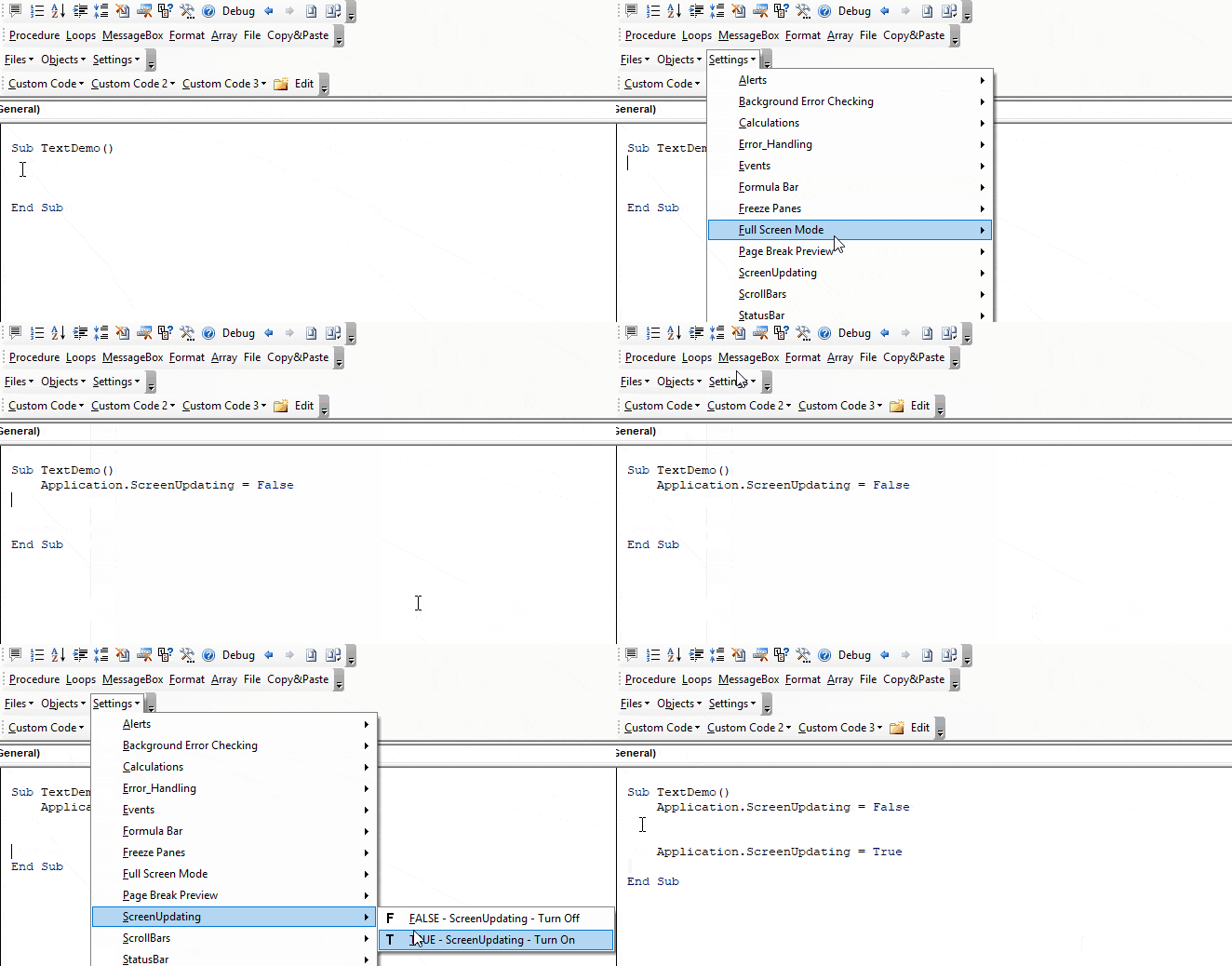
Stop searching for VBA code online. Learn more about AutoMacro – A VBA Code Builder that allows beginners to code procedures from scratch with minimal coding knowledge and with many time-saving features for all users!
VBA Coding Made Easy
Stop searching for VBA code online. Learn more about AutoMacro - A VBA Code Builder that allows beginners to code procedures from scratch with minimal coding knowledge and with many time-saving features for all users!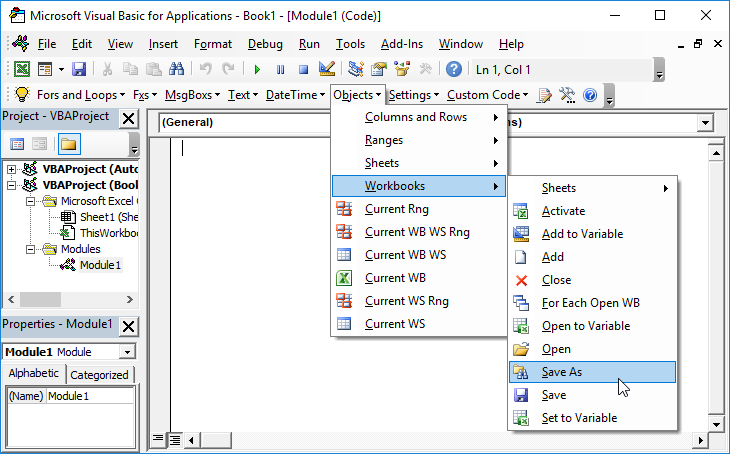
Learn More!


