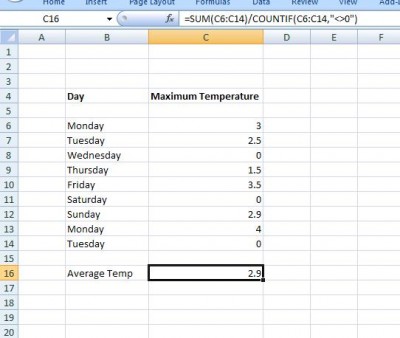
Averaging Non-Zero Values

Written by

Reviewed by
Last updated on February 8, 2018
Download Example Workbook
Download the example workbook
It is quite easy to work out the average of a series of numbers:
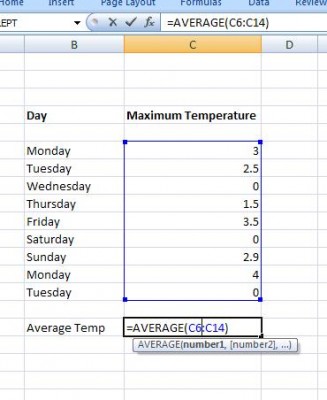
We just use the average function in Excel. However what happens if we want the average of only the NON – ZERO Values. The function COUNTIF will count up the cells in a range that meet a criteria:
COUNTIF(Range, Criteria)
The criteria must be placed in quotes –so if our criteria is greater than 0 we need the phrase “>0”. In this case our criteria is not equal to zero. Remembering that the average of a series of numbers is their total divided by the total number we have:
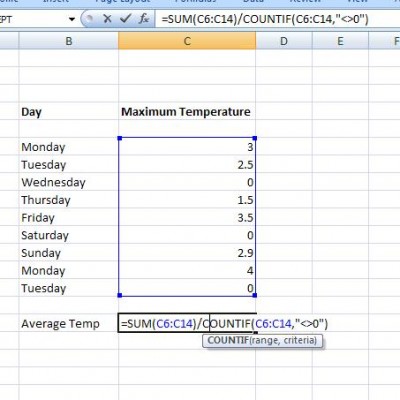
Where the “<>0” allows us to count up the non zero values in the range: